FICTIONAL SAMPLE
Staff workshop worksheet
1Create an opening question.
2“How does the impression change when we describe the same scene differently?”
3Choose an expression in groups and discuss why it works.
01
AI CONCIERGE FOR SCHOOLS
From staff training to school policies and parent communication. Shape an approach to AI that fits your school.
See the support process
FICTIONAL SAMPLE
FICTIONAL SAMPLE
FICTIONAL SAMPLE
Fictional sample materials. AI-generated photo · not actual staff.
SOLUTION
Explore draft deliverables and the review steps that stay with teachers. Scope is agreed individually.
All examples are fictional, not case studies or guarantees. This demo does not send information to an AI service.
Explore a practical task after learning how generative AI works. Teachers review and adapt every draft to their school’s policies and classroom needs.
Fictional inputs
Create an opening question.
“How does the impression change when we describe the same scene differently?”
Choose an expression in groups and discuss why it works.
Sample · not approved
Connect the opening question to a familiar experience.
FLOW
Begin with one task, review it with teachers, and adapt the approach before expanding.
Review current tasks and agree on a priority.
Explore agreed tasks in staff workshops.
The school reviews drafts, rules and outputs.
Refine procedures and the agreed support arrangements.
Illustrative sequence. Deliverables, session counts, timing and ongoing support are specified in the proposal.
SCOPE & RESPONSIBILITY
Support covers AI usage policies, staff training, implementation and adoption. It does not include full outsourcing of school administration or automated replies to parents.
The sales brand and customer contact. We clarify your needs, scope, quotation and next steps.
The provider responsible for delivery and project management. Any information sharing with third parties must be clarified beforehand.
Retains final decisions and approval over tasks, tools, information and outputs. A school contact, reviewer and approver need to be assigned.
LET’S START WITH ONE TASK
Bring your questions. We will clarify the scope, responsibilities and next steps together.
Do not send student personal data or internal documents through the inquiry form.
Training + one-to-one review

Chat + practical update notes

Reviewed drafts + workflow design
01 / TRY THE WORKFLOW
Interactive reconstruction using fictional data. These screens do not call a live integration.
Fictional school: prepare a staff training notice. The date is unconfirmed. Include no pupil information.
02 / LEARN, DISCUSS, TAKE ACTION
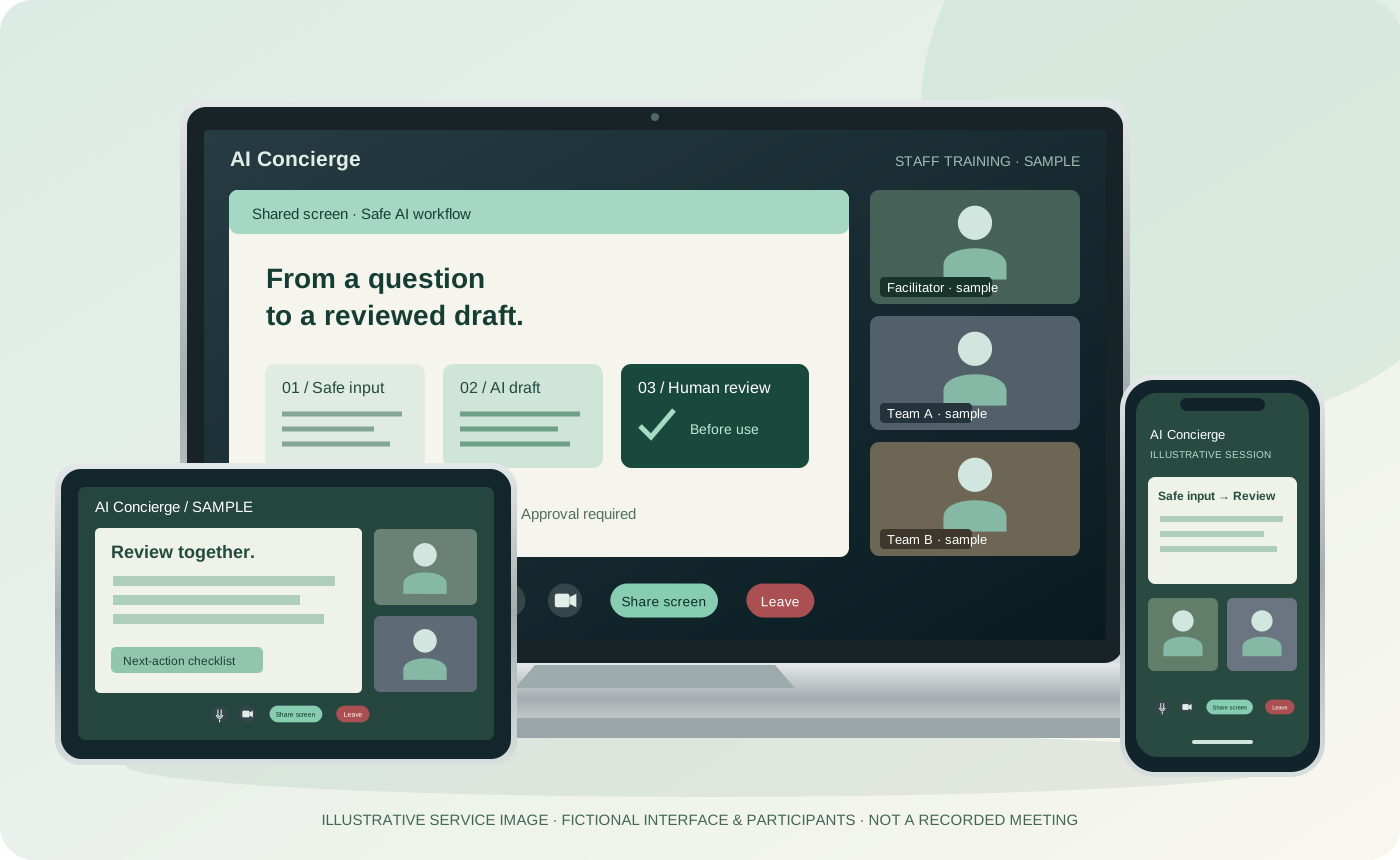
Fictional school: prepare a staff training notice. The date is unconfirmed. Include no pupil information.
Text-based lesson storyboard, not a recorded training video. Learn research, editing preparation and analysis; a finished-video production pipeline is not promised.
A consultation-format example. School meeting frequency and duration follow the agreed education scope.
03 / BETWEEN MEETINGS
Keep sensitive data out, mark unknown facts, and put human review before sharing.
A school notice must not introduce pupil data or unconfirmed dates.
Try one fictional example with this checklist ↗What should we do with a detail we cannot verify?
An editable outline to review together, not a claimed customer deliverable.
School support follows the existing education scope; page production is a separate scope discussion.
Review scope and commitment →Education has separate plans and annual-contract reference terms. Meeting cadence, chat support and training scope must be agreed for your school.
Existing school pricing and scope →A PRACTICAL TAKEAWAY
An original, reusable worksheet—not a personalised audit. Preview its outline below; after a successful enquiry you can open or download the full guide here on the site. No additional email subscription.